
Claims and Distribution
Claim a token from a claim link on bitbadges.io, read the criteria a claim checks, and find the claims you own in the Developer Portal.
A claim is the usual way tokens reach people: the creator sets the criteria, shares a link, and each user who meets the criteria claims for themselves. On the site a claim is a tab on the collection page.
1. Open a Claim Link
A claim link is a collection URL with the claim in the query: bitbadges.io/collections/<collectionId>?claimId=...&approvalId=.... Links from a code or password campaign carry those in the query too.
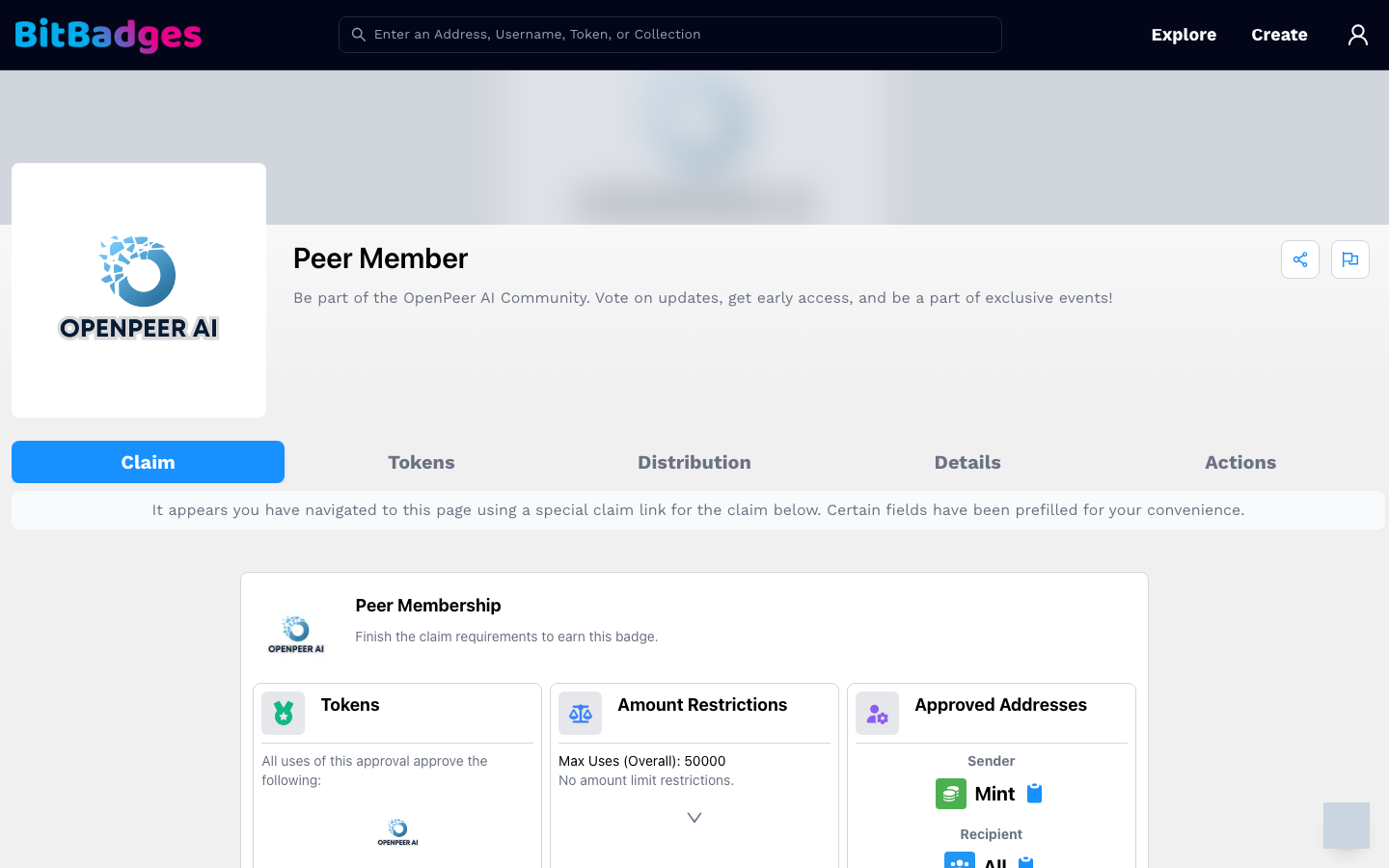
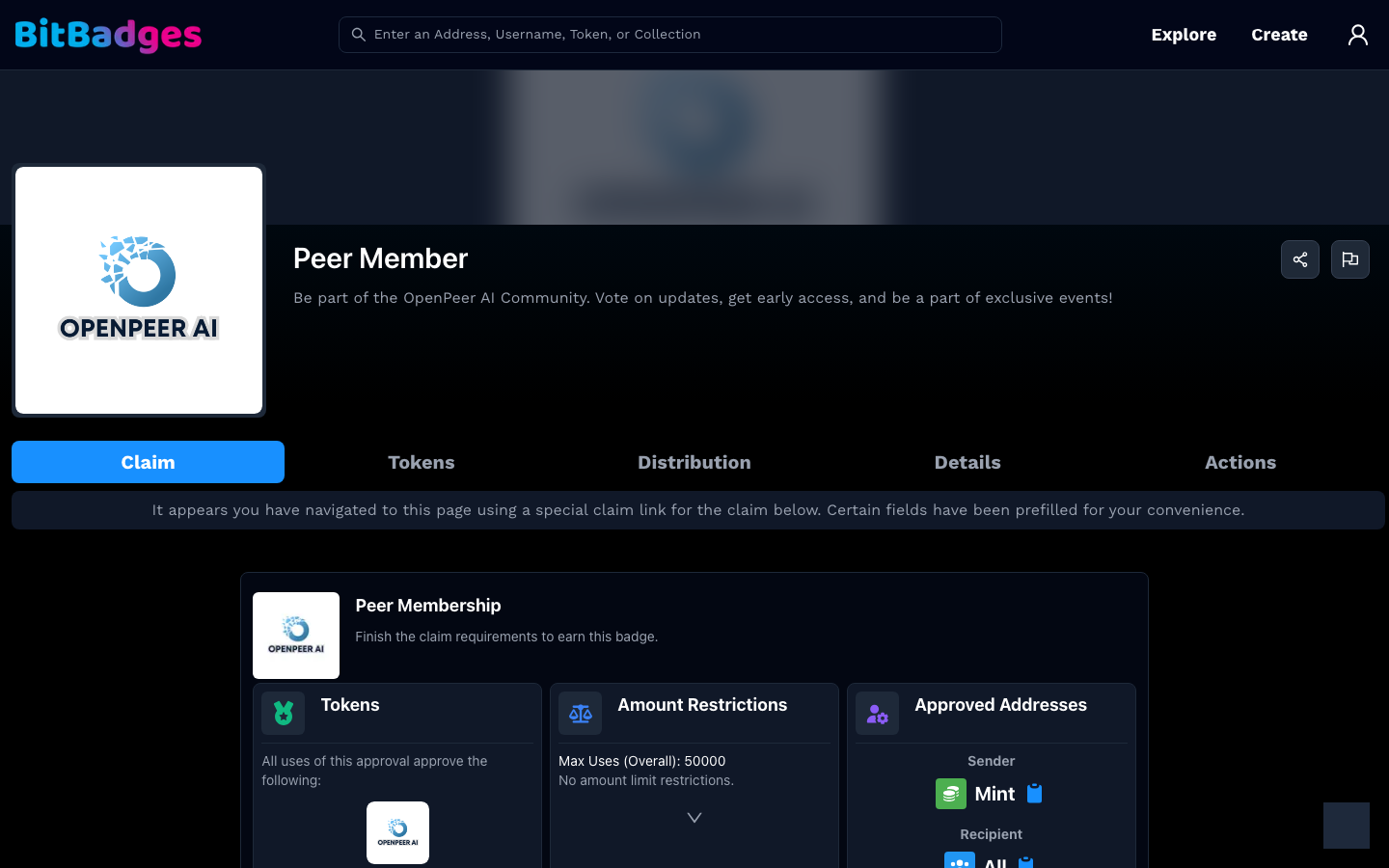
The page opens on a Claim tab that only exists for this link. A banner confirms that the link prefilled the claim.
2. Read the Card
The card names the claim and the token it gives, then shows the approval that mints it. Its three columns are the criteria:
| Column | Answers |
|---|---|
| Tokens | Which token IDs and amounts each claim gives. A predetermined claim gives a fixed set per use. |
| Amount Restrictions | How many uses in total, per address, and any amount caps |
| Approved Addresses | Who can send (Mint) and who can receive |
Below the columns, the claim's plugins are listed: a code, a password, an allowlist, a social account, or a custom plugin. Each one is a check you must pass. Expand a row for details.
3. Claim
- Connect and sign in with the address that should receive the token.
- Complete each plugin row that needs input, such as a code or a social sign-in.
- Click Claim. Your wallet asks for a signature on the transfer.
The token appears on your account page once the transaction is in a block. The Claims sub-tab under Activity keeps the attempt history.
4. Manage Your Own Claims
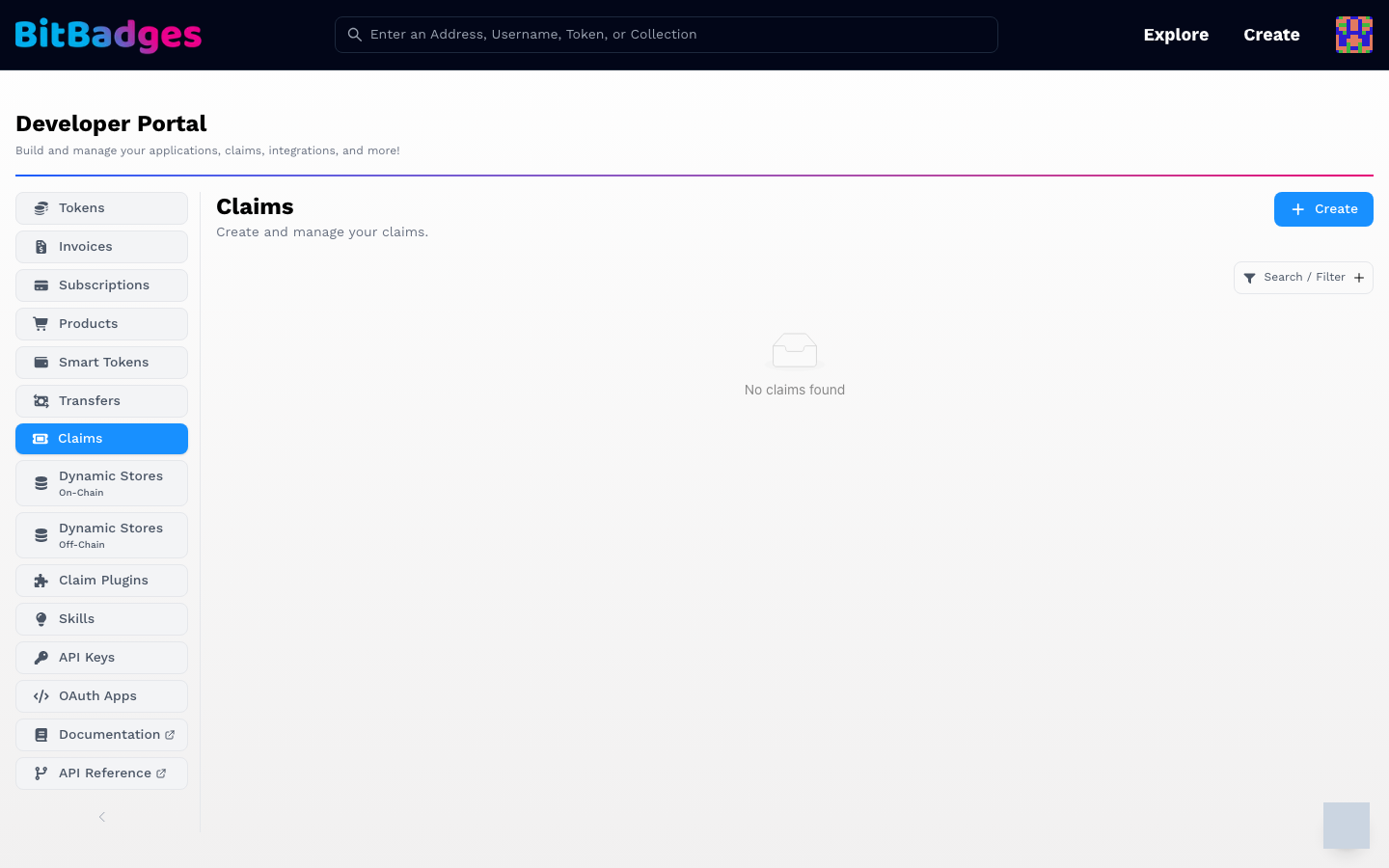
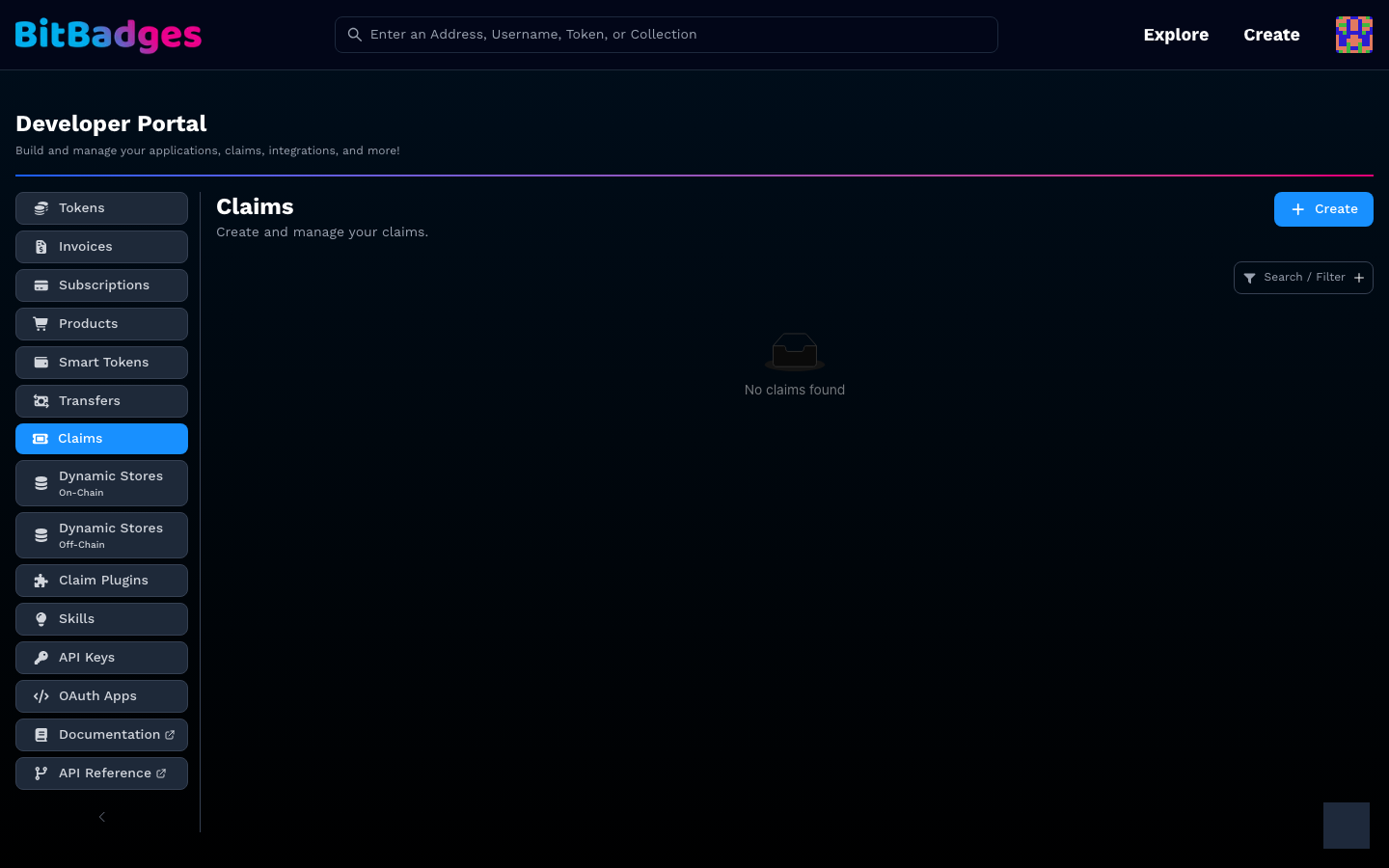
Your claims live in the Developer Portal under Claims. Create opens the claim builder: pick plugins, set the number of uses, and attach the claim to a collection approval or run it standalone. The row for each claim shows uses and links to the attempts. The plugin catalog and the API behind it are on Plugins.
What You Can Do Here
- Claim a token from a link, a code, or a password.
- See which criteria you pass before you sign.
- Track your attempts under Activity.
- Build and manage claims as a creator.