
Browse and Search
Find collections, accounts, and tokens on bitbadges.io from the home page, the browse page, and the global search bar.
Three entry points get you to a collection or account: the home page, the browse page under Explore, and the search bar in the header.
1. Start From the Home Page
The home page has the search bar in the header and an Explore button in the hero. Both are public; no wallet is needed.
2. Explore
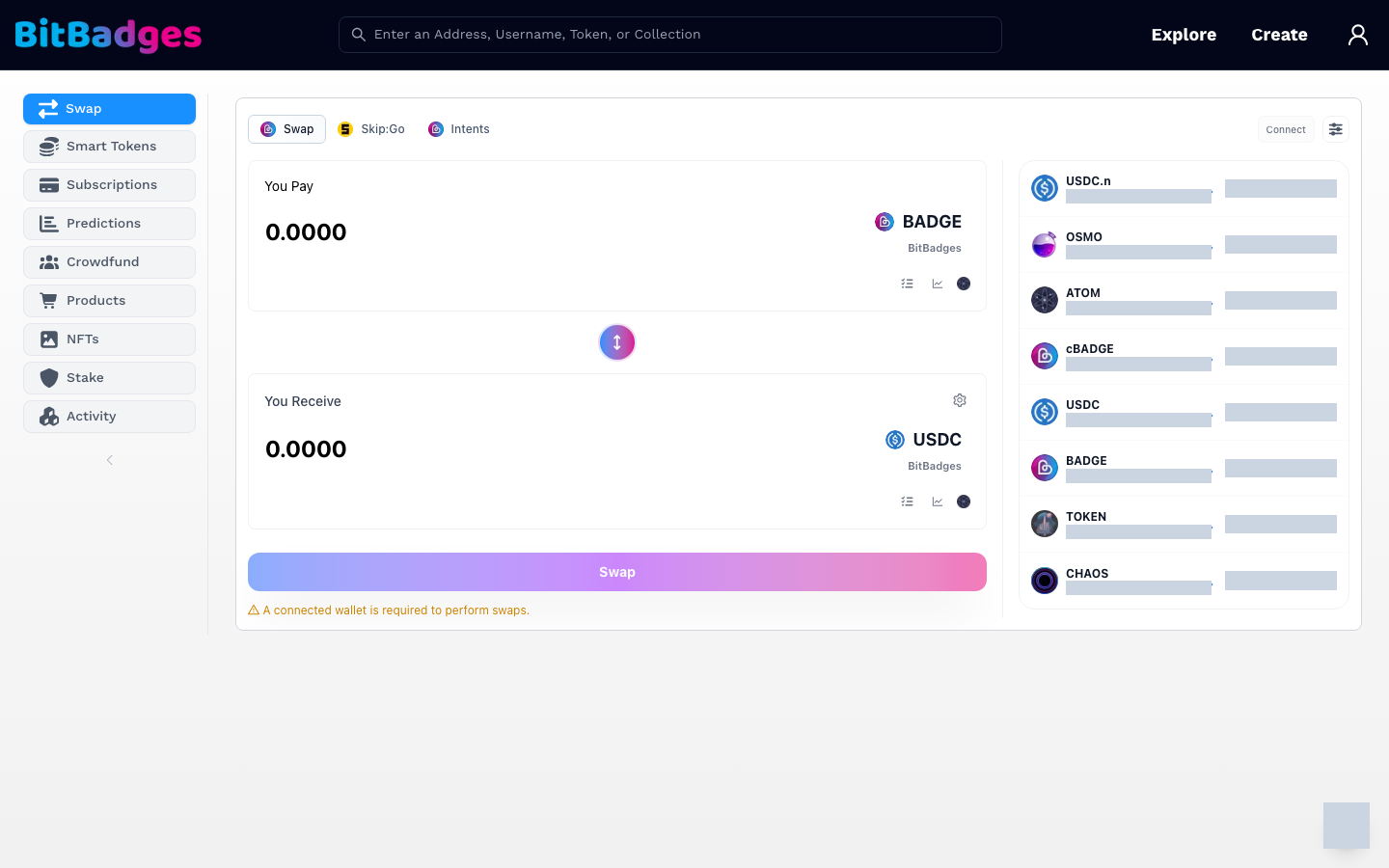
Click Explore, or go to bitbadges.io/browse. The left sidebar switches between categories:
| Category | Shows |
|---|---|
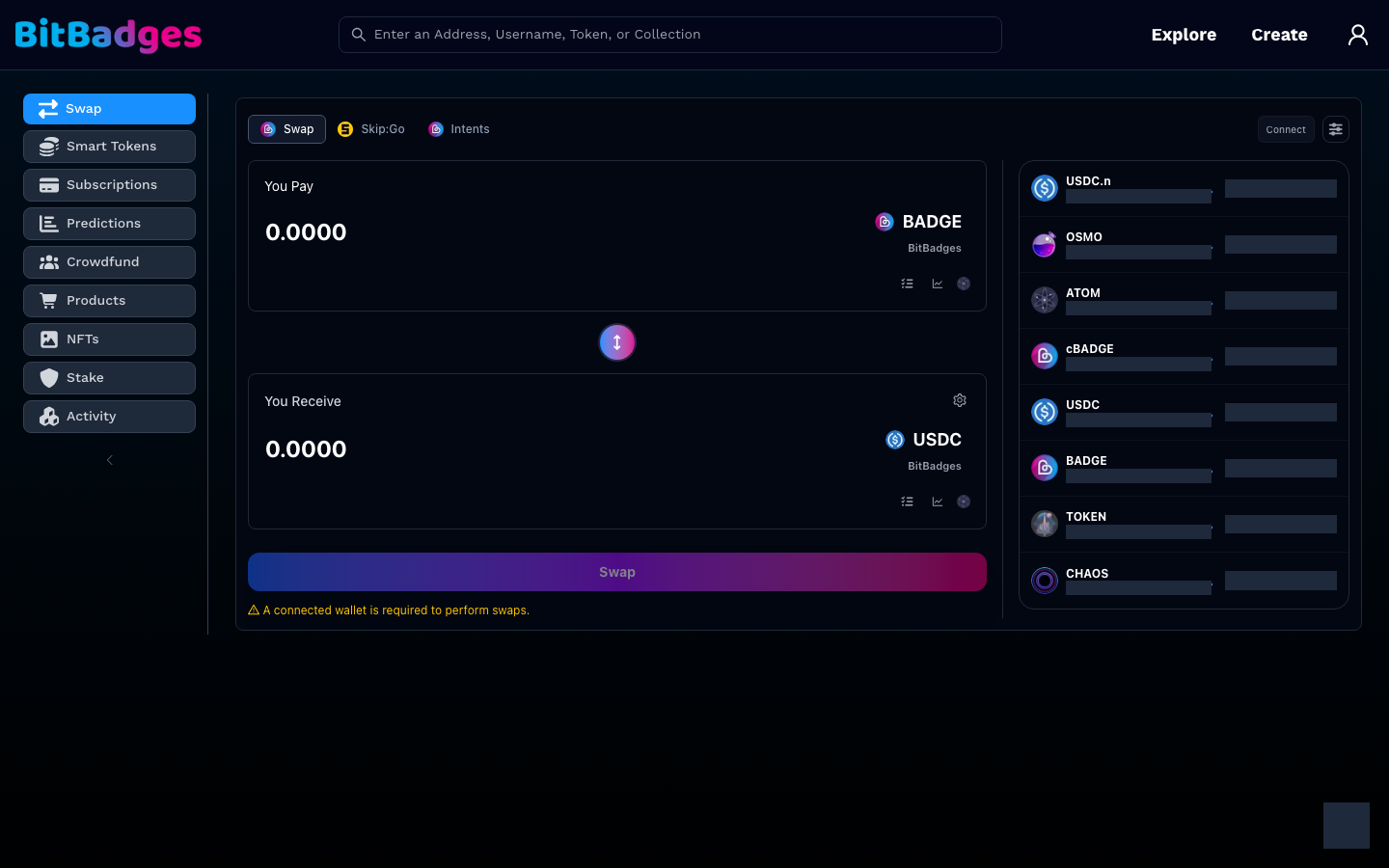
| Swap | The swap panel, with Skip:Go and Intents as alternate routes, and the asset list with live prices |
| Smart Tokens | Collections backed by USDC, ATOM, or another ICS20 asset |
| Subscriptions | Collections that charge on a schedule |
| Predictions | Prediction markets |
| Crowdfund | Crowdfunding campaigns |
| Products | Storefront collections |
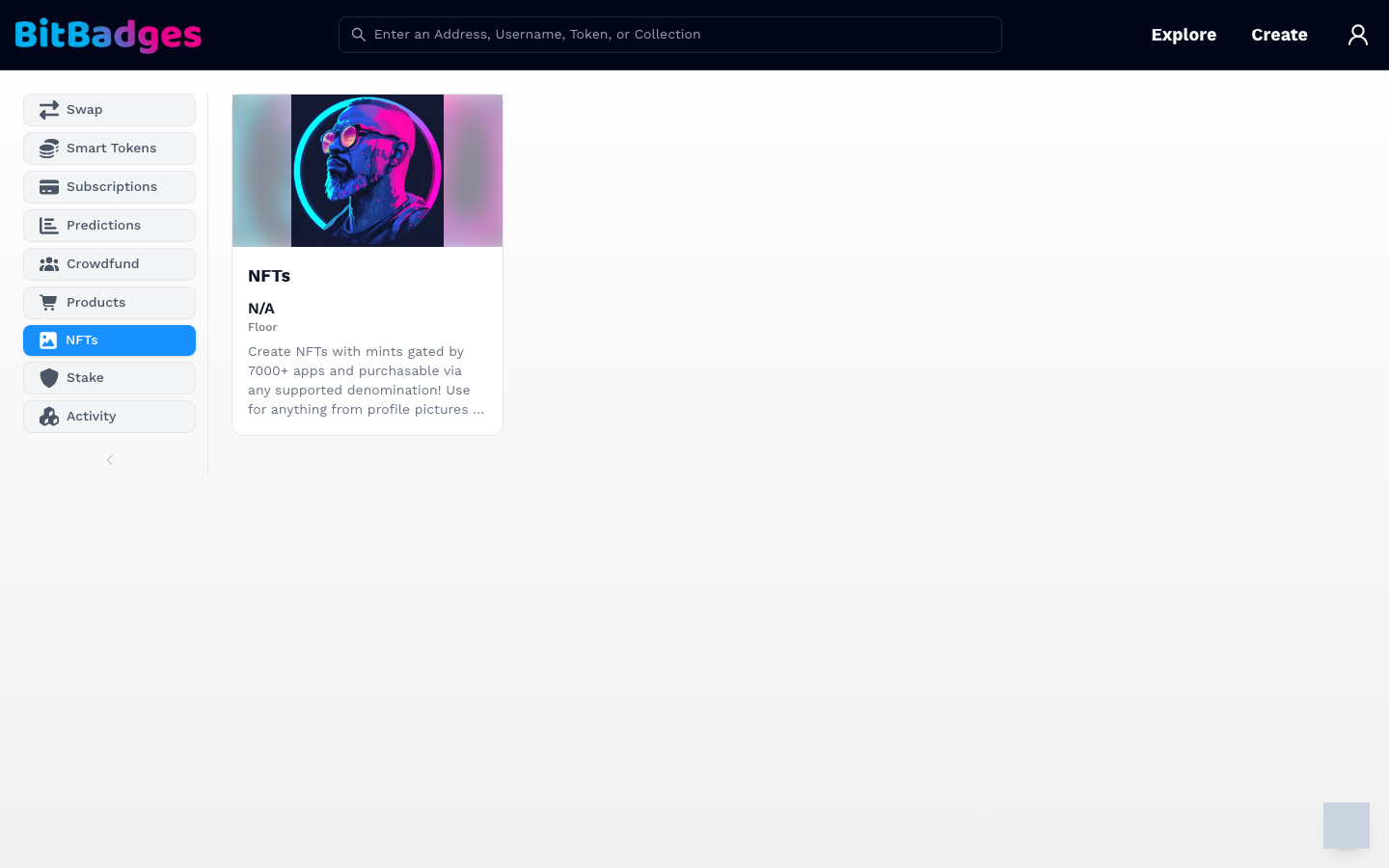
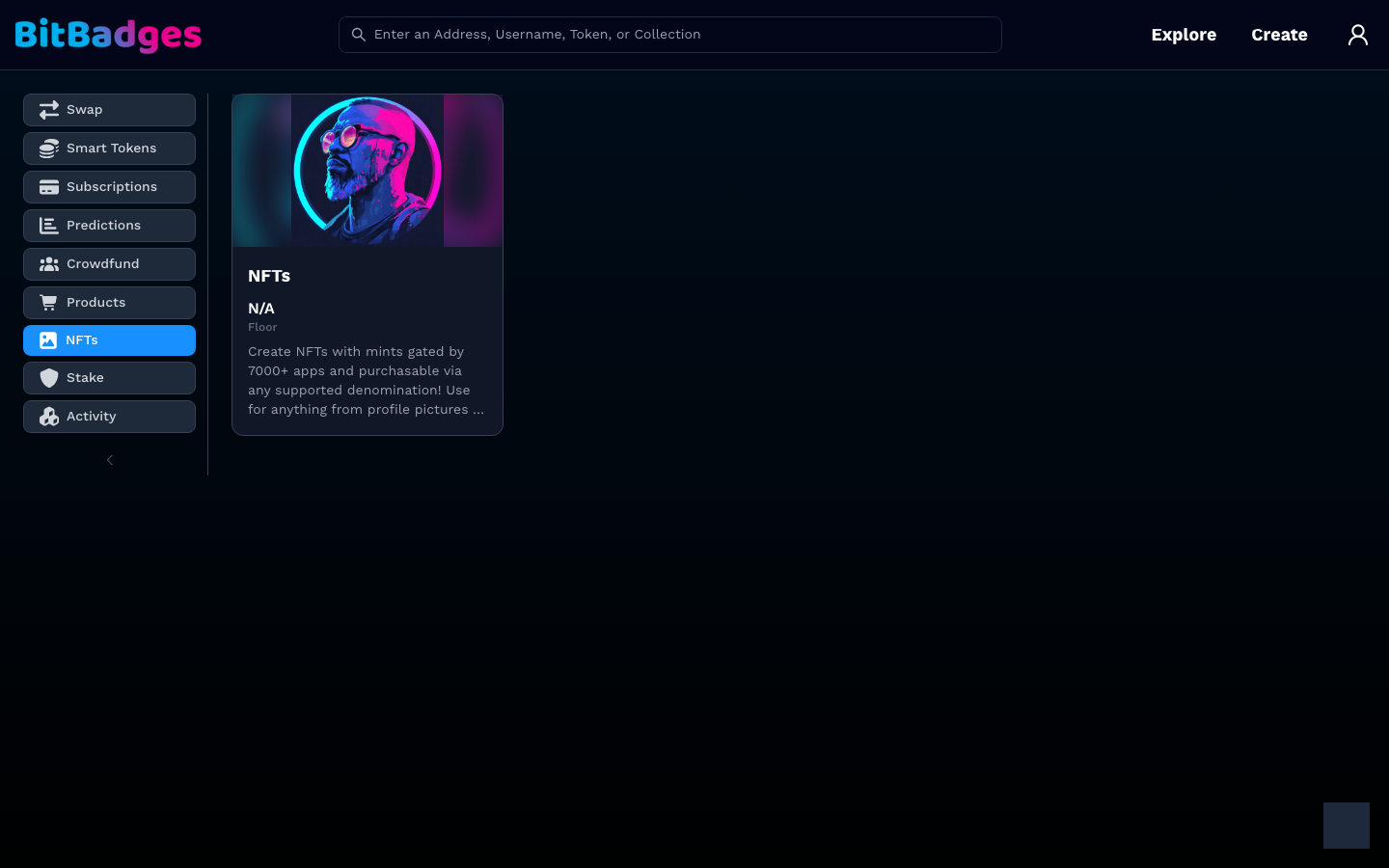
| NFTs | Non-fungible collections |
| Stake | Staking for the BADGE coin |
| Activity | Recent transfers across the chain |
Each category is a grid of cards with the collection image, name, floor price, and description. Click a card to open its collection page. The URL carries the category as ?tab=, so a link to a category can be shared.
3. Search
Type into the header search bar, or go to bitbadges.io/search for the full-width version. Results group by type as you type:
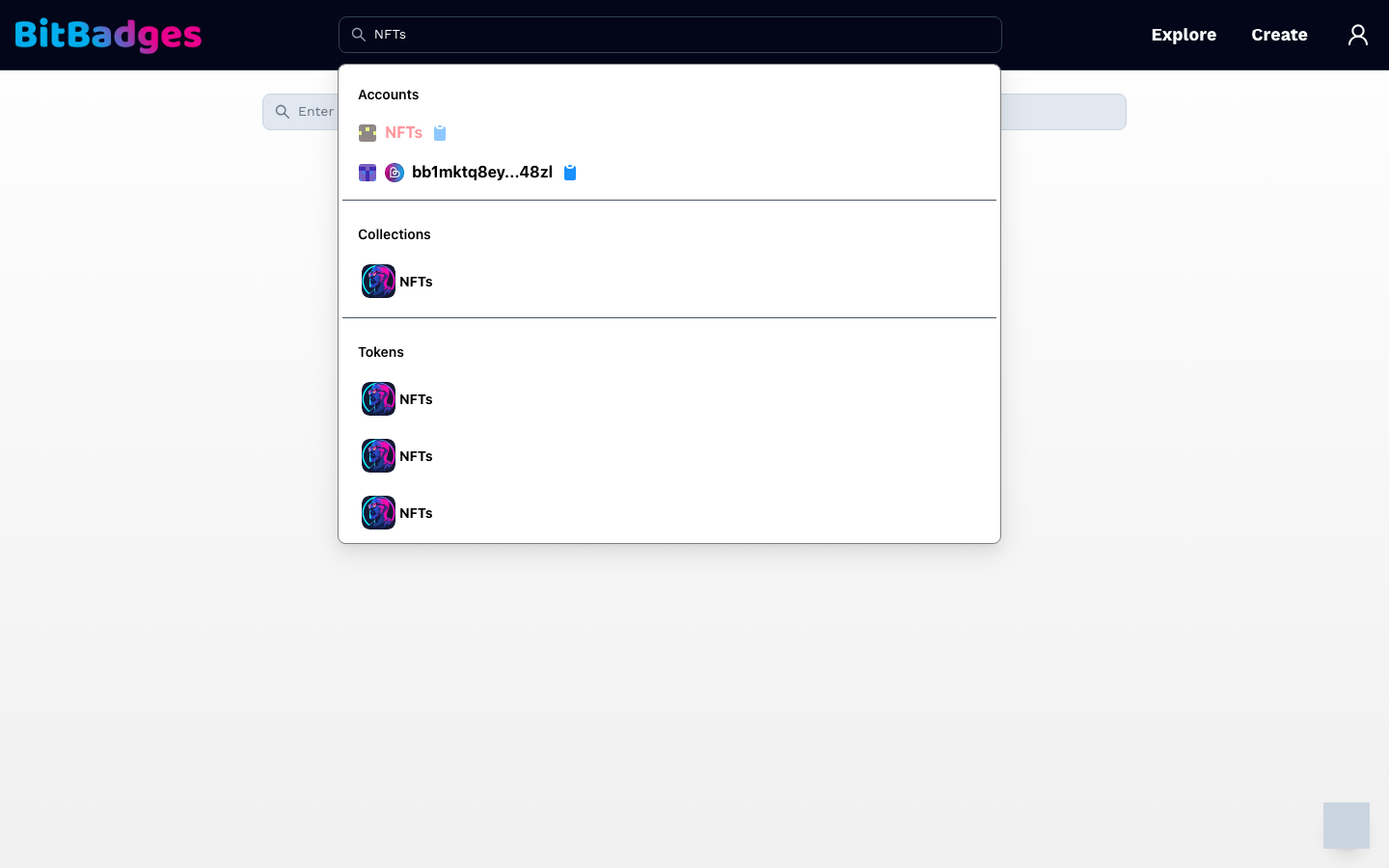
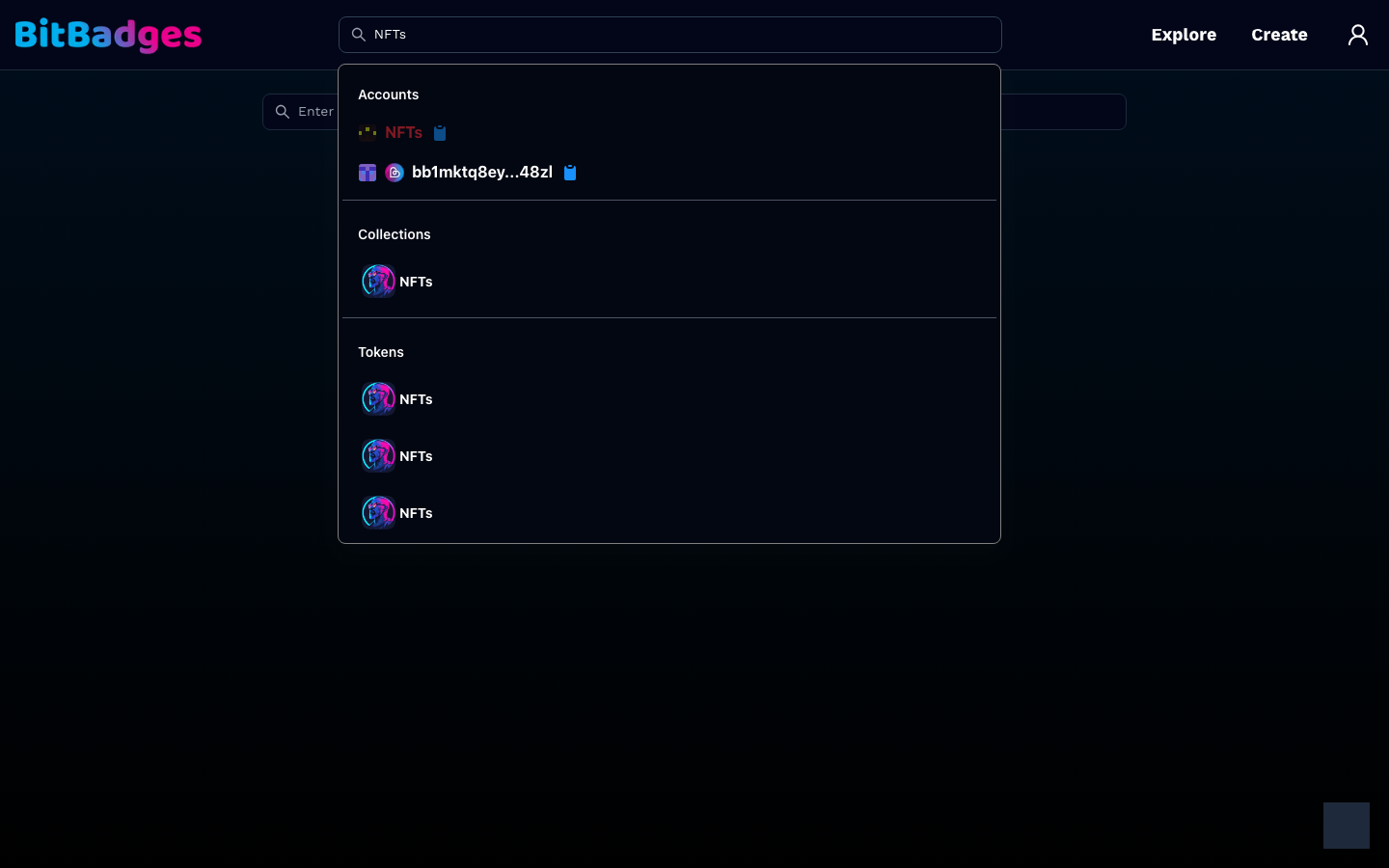
- Accounts match an address in either format, a username, or a numeric account ID.
- Collections match a name or a collection ID.
- Tokens match a token inside a collection.
Click a result to open it. Each account row has a copy button for the address.
Collection Page Anatomy
A collection page has a banner, the collection image, the name and description, and a row of tabs. The tabs are Tokens, Distribution, Details, and Actions. Linked Items appears when the manager attached related content, and a Claim tab appears first when you arrive from a claim link. Collection Page walks through each one.
What You Can Do Here
- Open any collection or account without a wallet.
- Filter the browse page by category and share the category link.
- Search by address, username, account ID, collection ID, or name.
- Copy an address from a search result.